Important: CRA payment methods, banking details, and requirements can change at any time. This guide is for general informational purposes only. Always verify the most current payment instructions directly with the Canada Revenue Agency before making any payment.
If you are a non-resident of Canada with GST/HST amounts owing, there are two main ways to send your payment to the Canada Revenue Agency. You can wire transfer funds directly to CRA, or you can pay by credit card through PaySimply. Both options work from anywhere in the world.
This guide walks through each method step by step, including how to format your account number so CRA applies the payment correctly.
Last updated: April 2026

Your CRA Account Number: Getting the Format Right
Before you make any payment, you need your complete CRA business number with the correct program extension. CRA will not apply your payment if the account number is wrong or incomplete.
Your GST/HST account number follows this format:
123456789RT0001
Here is what each part means:
- 123456789 – Your nine-digit Business Number (BN). This is unique to your business and stays the same across all CRA programs.
- RT – The program identifier for GST/HST. The “RT” tells CRA this payment is for your GST/HST account, not income tax or payroll.
- 0001 – Your GST/HST account reference number. Most businesses have just one GST/HST account, so this will be 0001. If you have a second GST/HST registration (rare), it would be RT0002.
Where to find it: Your full 15-character account number (including the RT0001) appears on your GST/HST registration confirmation, on any Notice of Assessment from CRA, and on your GST/HST return forms. If you are unsure, call CRA’s business enquiries line for non-residents at 1-800-959-5525 (from Canada/US) or 1-613-940-8497 (from outside Canada, collect calls accepted).
Common mistakes: Do not use just the nine-digit BN without the RT extension. Do not use your income tax program code (which would end in a different letter combination). The payment will sit in limbo or get applied to the wrong account.
Option 1: Wire Transfer to CRA
Wire transfer is the most common method for non-residents who do not have a Canadian bank account. CRA publishes the exact banking details you need to give your bank, including the SWIFT code, account number, and beneficiary information.
Get the current wire transfer banking details directly from CRA:
canada.ca – Pay by wire transfer (non-residents)
Always check CRA’s page before each payment to make sure you have the most current banking information. CRA’s banking details can change, and using outdated information could delay your payment.
How the Wire Transfer Works
- Get CRA’s banking details from the CRA wire transfer page. You will need the bank name, SWIFT code, transit number, beneficiary account number, and beneficiary address.
- Contact your bank to initiate an international wire transfer. You can usually do this in person, by phone, or through your bank’s online wire transfer service.
- Send the wire in Canadian dollars (CAD). Your bank will convert from your local currency at their exchange rate.
- Include your full account number in the wire description field. CRA’s page will show you the exact format, which includes an authorization number followed by your 15-character GST/HST account number (e.g., 123456789RT0001), your business name, and the period end date.
- Select “OUR” for charges when your bank asks who pays the wire fee. This is important. If you select “BEN” or “SHA,” the bank may deduct its fee from the payment amount, which means CRA receives less than what you owe. You will be charged interest on the shortfall.
- Fax your payment confirmation to CRA after the wire is sent. The fax number is listed on CRA’s wire transfer page. Include the date, amount, confirmation number, and your full account number (with RT0001).
Processing Time
CRA considers the payment received the same or next business day after the wire is processed. It will show up in your CRA account within about 3 business days. If it has not appeared after 5 business days, contact CRA.
Wire Transfer Fees
CRA’s receiving bank does not charge a fee for forwarding the payment. However, your own bank will charge a wire transfer fee, typically in the range of $25 to $50 USD for an international wire. The exact fee depends on your bank.
Wire Transfer Limitations
One thing to know: GST/HST security deposits cannot be paid by wire transfer. If CRA has asked you to post a security deposit as part of your GST/HST registration, you will need to use a different payment method for that specific amount.
Option 2: Credit Card Through PaySimply
PaySimply is a CRA-authorized third-party payment service that lets you pay your GST/HST with a credit card, debit card, PayPal, or Interac e-Transfer. It works from anywhere in the world, which makes it a solid option for non-residents.
Step-by-Step Instructions
- Go to paysimply.ca/en/lp/cra-business
- Under the GST/HST section, select the payment type that matches your situation (see below)
- Enter your full 15-character account number (e.g., 123456789RT0001)
- Enter the payment amount in Canadian dollars
- Choose your payment method (Visa, Mastercard, American Express, PayPal, or others)
- Complete the payment
PaySimply Payment Types for GST/HST
PaySimply offers four GST/HST payment categories. Pick the one that matches your situation:
- GST/HST – Payment on Filing: You filed your return and are paying the balance owing at the same time. This is the most common choice.
- GST/HST – Arrears Amount Owing: You received a Notice of Assessment or a letter from CRA saying you owe a specific amount.
- GST/HST – Balance Due: You owe a balance that is due before you file your return.
- GST/HST – Interim: You are making an instalment payment.
Fees
PaySimply charges a processing fee, typically around 2.5% of the payment amount for credit cards. The exact fee depends on your payment method and is shown before you confirm. There is no fee from CRA itself, only from PaySimply for processing.
Processing Time
PaySimply payments are generally processed and forwarded to CRA within 3 business days. Keep your confirmation email as proof of payment.
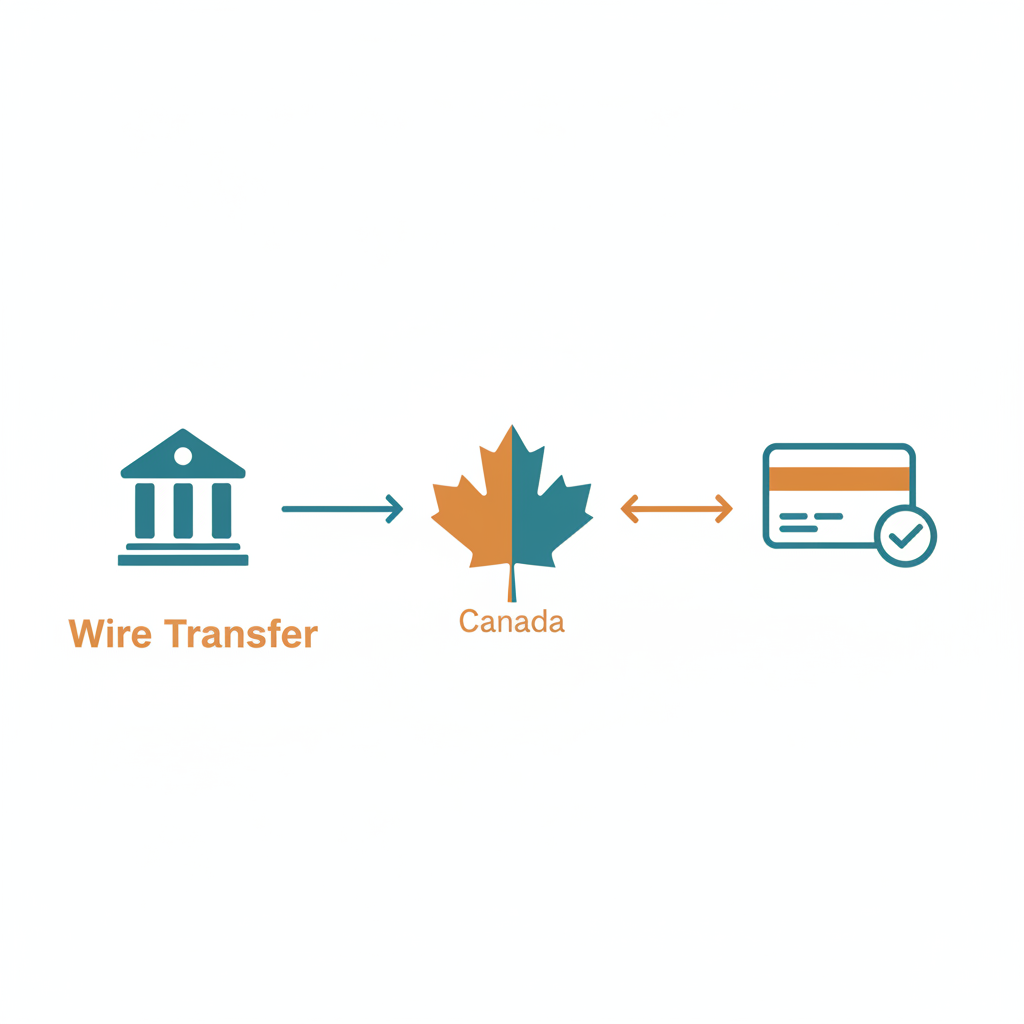
Which Method Should You Use?
| Wire Transfer | PaySimply (Credit Card) | |
|---|---|---|
| Best for | Large payments | Convenience, smaller amounts |
| Fee | Your bank’s wire fee (typically $25-$50 USD) | ~2.5% of payment amount |
| Currency | Must send in Canadian dollars | PaySimply handles conversion |
| Processing | Same/next business day | ~3 business days |
| Requires | Visit to your bank or online banking | Credit card and internet |
| Follow-up | Fax confirmation to CRA | None needed |
For larger amounts (over a few thousand dollars), wire transfer usually makes more sense because the flat bank fee is cheaper than PaySimply’s percentage-based fee. For smaller amounts or when you need to pay quickly, PaySimply is faster and does not require a trip to the bank.
Tips to Avoid Problems
- Pay early. Wire transfers can take a few days to process. If your GST/HST payment is due on the 15th, do not initiate the wire on the 14th. Give yourself at least a week of lead time.
- Double-check your account number. Your GST/HST account ends in RT0001 (or RT0002 if you have a second account). Using the wrong extension means the payment goes to the wrong program.
- Keep proof. Save your wire transfer receipt or PaySimply confirmation email. If CRA does not apply the payment within 5 business days, you will need this to resolve it.
- File even if you cannot pay yet. Filing your GST/HST return on time avoids the late-filing penalty, even if your payment comes in a few days later. The late-filing penalty (1% plus 0.25% per month) is separate from interest on the balance.
- Always verify CRA’s banking details before sending a wire. Check the CRA wire transfer page for the latest information each time you make a payment.
Frequently Asked Questions
Can I pay CRA from a US bank account?
Yes. You can send an international wire transfer from any bank in the world. The wire must be in Canadian dollars. Your bank will handle the currency conversion at their exchange rate. Make sure to select “OUR” for charges so the fee is not deducted from the payment.
Do I need a Canadian bank account to pay GST/HST?
No. Both wire transfer and PaySimply work without a Canadian bank account. Wire transfer sends funds from your foreign bank directly to CRA’s account in Canada. PaySimply accepts international credit cards.
What if I do not know my account number?
Your 15-character account number (e.g., 123456789RT0001) is on your GST/HST registration confirmation and on any correspondence from CRA. You can also call CRA at 1-800-959-5525 (from Canada/US) or 1-613-940-8497 (from outside North America, collect calls accepted) to confirm your number.
What happens if my payment is late?
CRA charges compound daily interest on the overdue balance starting the day after the due date. The prescribed interest rate changes quarterly. There is also a late-filing penalty if you have not filed the return: 1% of the amount owing, plus 0.25% for each full month the return is late, up to 12 months.
Can I pay CRA with PayPal?
Not directly. But PaySimply accepts PayPal as a payment method, so you can pay your GST/HST through PaySimply using your PayPal balance or linked PayPal funding source.
I sent a wire but it is not showing in my CRA account. What do I do?
Wire payments typically appear in your CRA account within 3 business days. If it has been more than 5 business days, contact CRA’s non-resident enquiries line with your payment confirmation details. Having the bank confirmation number and date will help them trace the payment.
Need Help With Non-Resident GST/HST?
If you are a non-resident selling on Amazon.ca or running a Canadian business from abroad, Jones and Cosman CPA can handle your GST/HST registration, filing, and payments. We work with non-resident sellers across the US, UK, Europe, and Asia.
Get in touch to talk about your situation.
Disclaimer: This article is for general informational purposes only and does not constitute financial, tax, or legal advice. Payment methods, banking details, fees, and CRA requirements are subject to change at any time. Always verify the most current payment instructions directly with the Canada Revenue Agency before making a payment. Jones and Cosman CPA is not responsible for any errors, delays, or penalties that may result from using third-party payment services or from changes to CRA’s payment procedures. Consult a qualified tax professional for advice specific to your situation.
Related guides
Get the tax side right the first time.
We work with e-commerce and owner-managed businesses across Canada and beyond: GST/HST and provincial sales tax, corporate structure, income splitting, and non-resident compliance. Tell us your situation and we will tell you exactly what you need.
Get in touch